|
<< Click to Display Table of Contents >> Download etc. |
  
|
|
<< Click to Display Table of Contents >> Download etc. |
|
This part of the user guide will focus on the simulation capabilities. We will be using sim-mode in this part of the Gekko User Guide.
Sim-mode. This mode can be used for modeling, and entails two main differences compared to mixed-mode (which is default). First, in a statement like y = 2 * x;, in sim-mode Gekko will never look for x in a databank that was opened with the OPEN (or the identical READ ... AS) statement. And secondly, in a statement like y = 2 * x;, Gekko will fail with an error if the timeseries y does not exist already (else you must use CREATE to create y first). These restrictions alleviate some common errors when modeling. |
To download and install Gekko, see the general installation section.
You may consult the page on interface, function keys, etc. to read more about how the interface works. But for now, just note that you type statements in the lower part of the window, and results are shown in the upper part. You issue statements with [Enter], and if you omit the ending ; in a statement, the user interface will add it on its own.
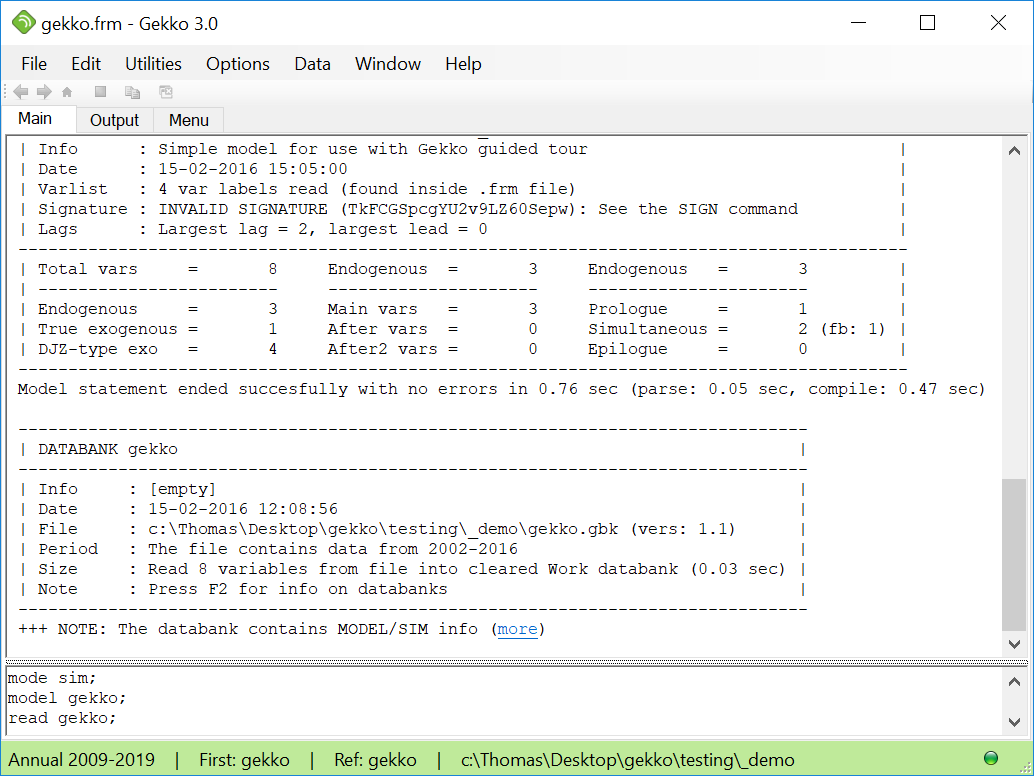
When Gekko starts up, it will start up in a 'working folder'. To run the modeling guide, you will need some external files that can be downloaded from the following link (these files should be downloaded to the newly created working folder. Right-click the following zip-file, and choose "Save as…" or "Save link as…"):
•Example model and data files, demo.zip
The zip file contains the files gekko.frm (the model) and gekko.gbk (the databank). You can typically just double-click the zip-file to open it, and then copy-paste the two files into your working folder.